1. Procedure to Un-Install Individual Practice Test
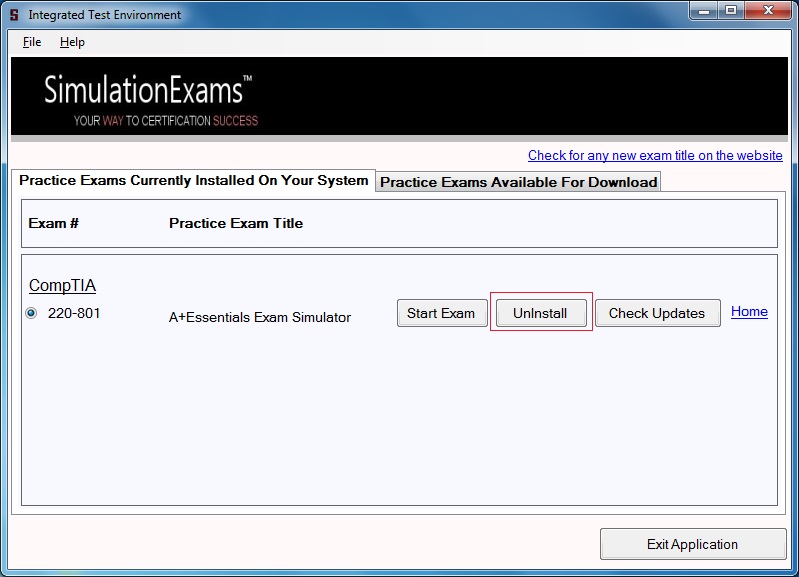
The practice exams from SimulationExams installed on the computer can be un-installed individually by clicking on the Un-Install button provided on the Integrated Test Environment screen, located next to the specific exam titles as shown below.
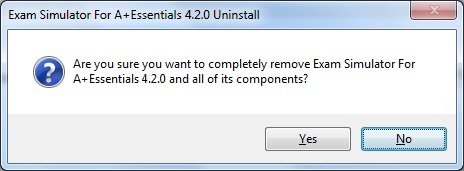
Click on the Uninstall button and a dialog for confirmation is displayed as shown
The progress bar displaying status of un-installation is displayed.
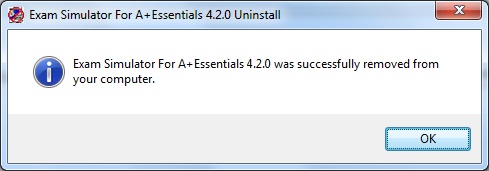
A
popup is displayed on successful un-installation of the exam as shown, click on
'OK' and then restart the application.
2. Test Engine Un-installation
The Integrated Test Environment installed on the system can be un-installed from control panel.
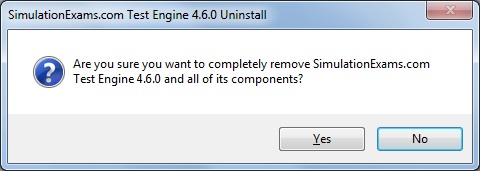
On clicking Uninstall, a popup is displayed as shown, click 'Yes' to continue.
After successful un-installation of the engine, a confirmation popup is displayed as below
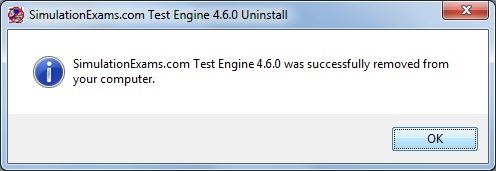
Note that un-installing the engine will not un-install the practice exams installed on the system.
Please click here to know how to download and install SimulationExams software.
Disclaimer: Simulationexams.com is not affiliated with any certification vendor, and Sim-Ex™ Practice Exams are written independently by SimulationExams.com and not affiliated or authorized by respective certification providers. Sim-Ex™ is a trade mark of SimulationExams.com or entity representing Simulationexams.com.
